See a revision · Step 1 of 3
Change a final without silently erasing the earlier decision.
See how Selection Book separates the current final from the revision history behind it.
Interactive demo
Fictional project. Nothing is saved.
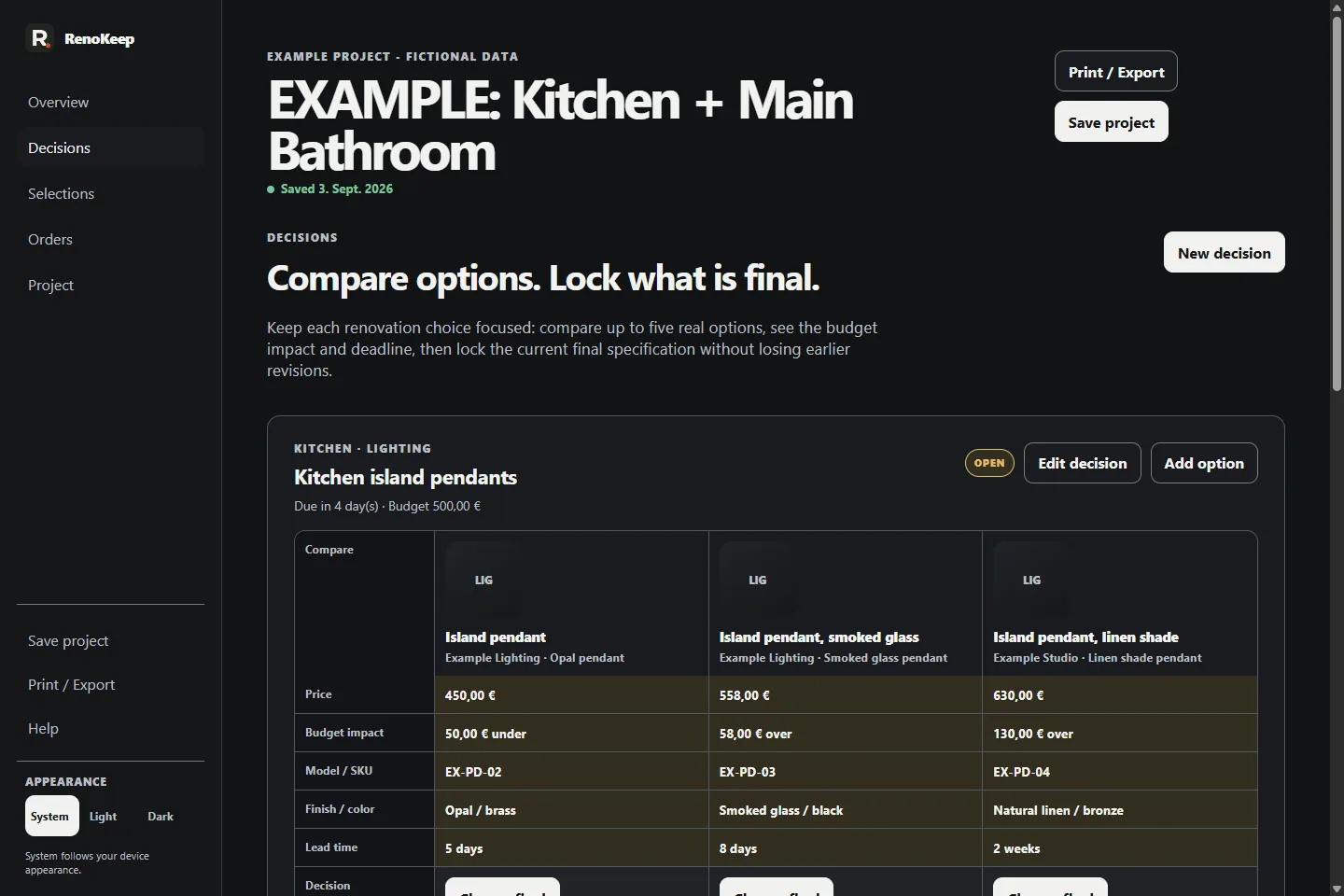
This guided preview uses real Selection Book v1.1 screens from the included Kitchen + Main Bathroom example project. It does not load the paid application or accept your renovation data.
Step 1 of 3
Start with a decision that already has a clear current state.
The decision keeps its options and context together before a later change is made.