Check order readiness · Step 2 of 3
Know what is still missing before a final choice becomes order-ready.
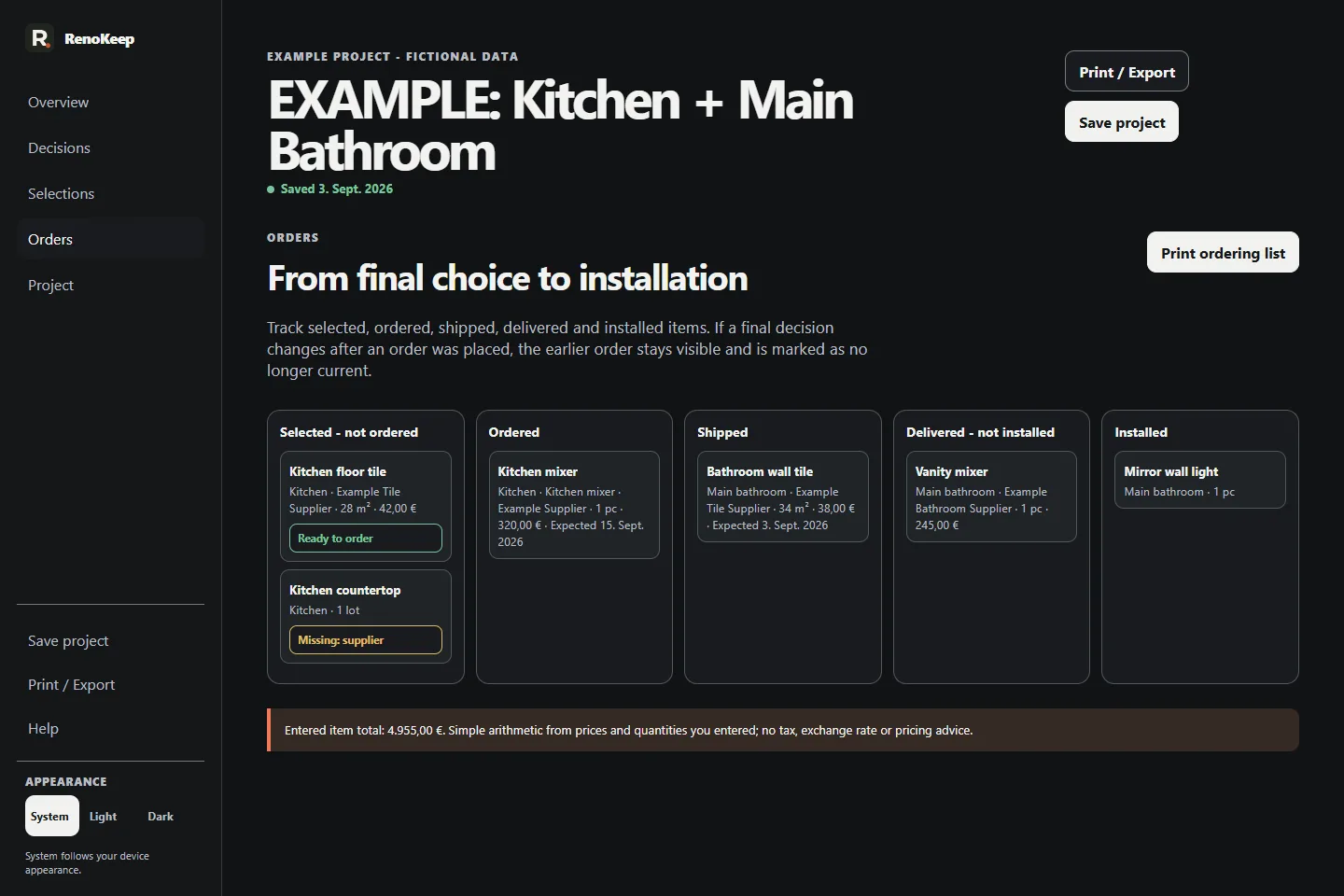
Follow a fictional final selection into order readiness and the handoff tools around it.
Interactive demo
Fictional project. Nothing is saved.
This guided preview uses real Selection Book v1.1 screens from the included Kitchen + Main Bathroom example project. It does not load the paid application or accept your renovation data.
Step 2 of 3
Check the defined Order Ready information.
Order Ready is deterministic: quantity, unit and supplier must be recorded together with a SKU, product name or URL.