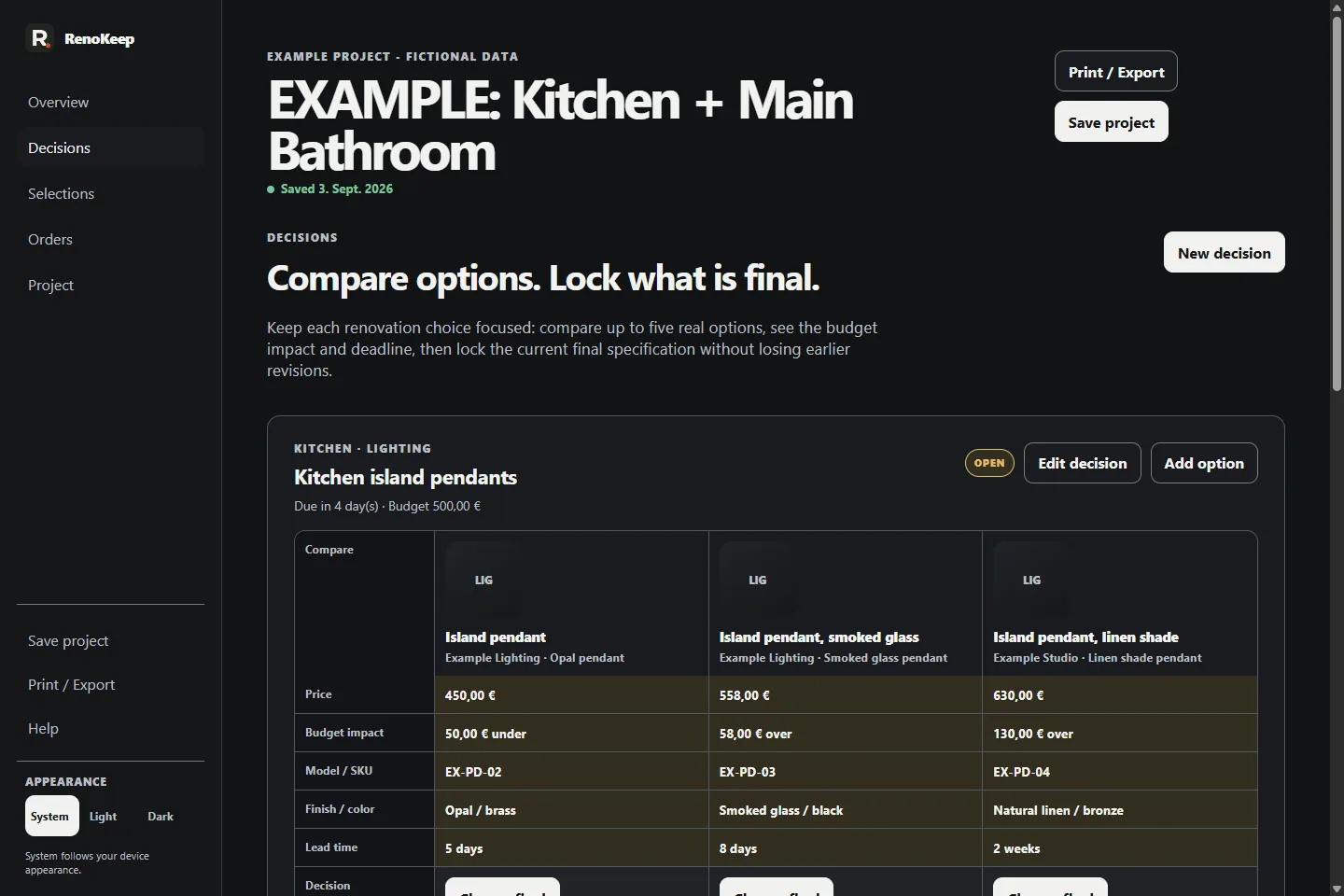
Compare options · Step 1 of 3
Turn a shortlist into one clear current final.
Follow one fictional product decision from option comparison into the project overview.
Interactive demo
Fictional project. Nothing is saved.
This guided preview uses real Selection Book v1.1 screens from the included Kitchen + Main Bathroom example project. It does not load the paid application or accept your renovation data.
Step 1 of 3
Compare the shortlist in one Decision Set.
Keep up to five product or finish options together with the decision context instead of scattering the shortlist across tabs, screenshots and spreadsheet rows.